
SBTi Has 30+ Guidance Documents This Free Tool Tells You Which Ones Apply to You
Setting science-based targets should be a strategic exercise. Instead, for most organisations, it starts with a documentation problem.
The Science Based Targets initiative now maintains over 30 guidance documents spanning cross-sector foundations, financial institution frameworks, and sector-specific pathways for everything from power generation to maritime shipping to nitric acid production. For a straightforward single-sector company, the path is manageable. For a diversified organisation, a holding company with real estate assets, a logistics arm, agricultural supply chains, and a financial services division, the mapping exercise alone can consume weeks of consultant time before a single target is even modelled.
Which guidance applies? Which targets are mandatory versus optional? How do overlapping sector pathways interact? Where do double-counting risks arise between FLAG and energy-industry boundaries? What happens if your buildings emissions sit at 18%, below the mandatory threshold but above the point where you can safely ignore the Buildings Criteria?
These are not hypothetical edge cases. They are the routine reality facing sustainability teams at complex organisations, and the answers are scattered across documents that were written independently, updated on different cycles, and occasionally contradict each other.

The problem is structural, not intellectual
The difficulty is not that SBTi’s guidance is poorly written. Individually, each document is clear. The problem is combinatorial: the interaction between documents creates a decision space that scales with every sector boundary your organisation touches.
Consider a real estate investment trust that also operates logistics and has agricultural commodity exposure through its supply chain. This entity potentially sits at the intersection of five separate guidance streams: the Corporate Near-Term Criteria, the Financial Institutions Net-Zero Standard (FINZ), the FLAG Guidance for land and agriculture, the Buildings Criteria, and optional transport sector pathways. Each stream has its own threshold tests, method requirements, base year rules, and target year constraints. Some are mandatory when certain conditions are met. Others are optional but recommended. The thresholds themselves are quantitativ, 5% of scope 1+2 for power, 20% of categories 1–14 for buildings, 40% of total emissions for scope 3, and a single percentage point can flip a target from optional to required.
No single SBTi document maps this full decision space. The closest thing is the Getting Started Guide, which provides a routing flowchart, but even that document assumes you will cross-reference it against the specific criteria for each pathway it routes you to.
What the SBTi Guidance Navigator does
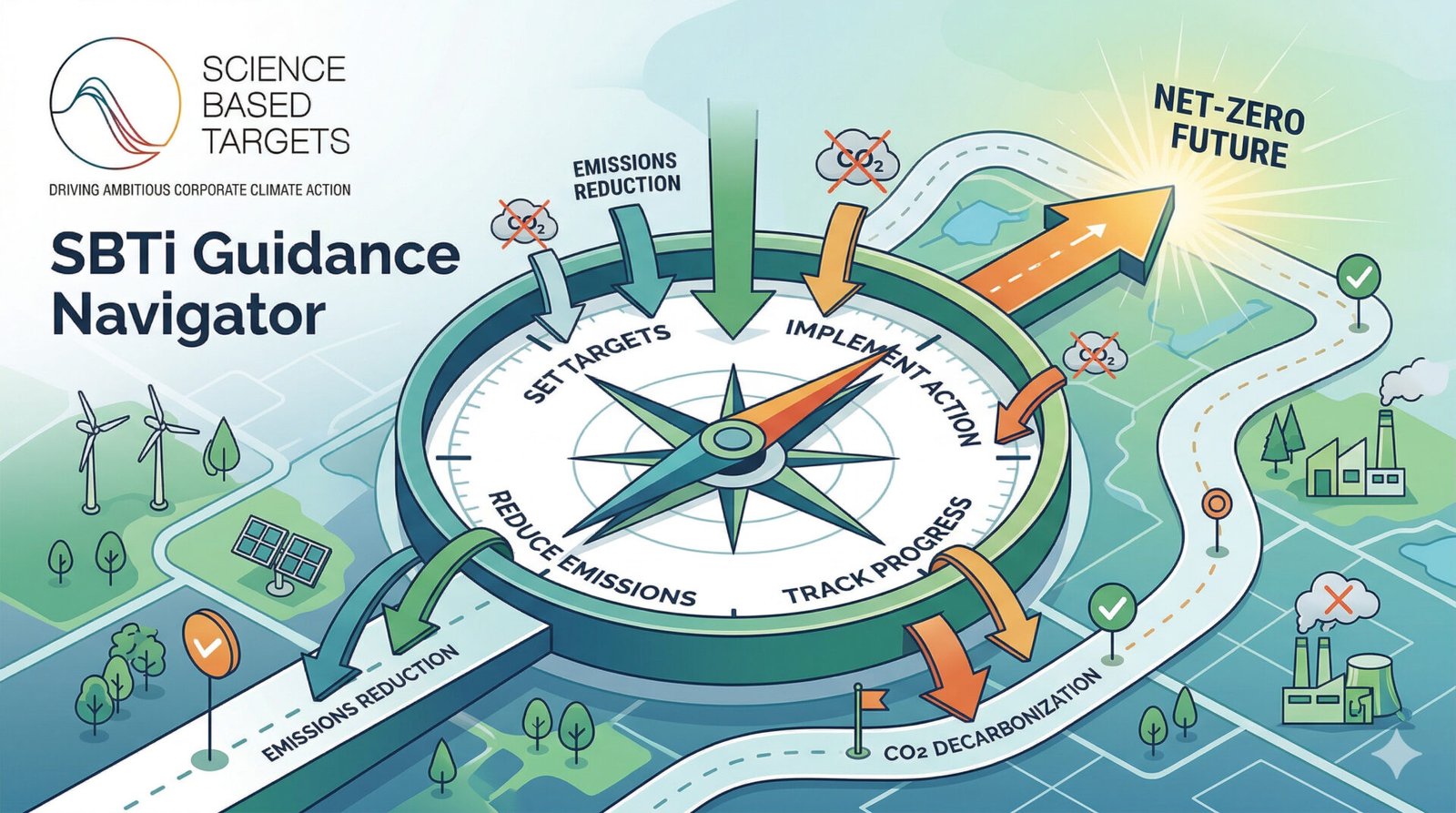
The SBTi Guidance Navigator is a free, interactive decision-support tool that encodes the full decision logic from SBTi’s guidance ecosystem into a single interface. You configure your organisation’s profile, entity type, financial activities, fossil fuel exposure, sector memberships, emissions percentages, and the tool immediately tells you which guidance documents apply, which targets you need to set, which methods are available for each target, what the timeline looks like, and what you need to prepare for submission.
It is not a target calculator. It does not model your reduction pathway or compute your intensity convergence value. What it does is answer the question that comes before all of that: what exactly do I need to do, and why?
The tool follows the exact decision sequence prescribed in SBTi’s own Getting Started Guide v1.2, structured as seven gates:
Organisation and structure,company or NGO, parent or subsidiary, standalone or group. Financial institution classification, five individual activity sliders testing each against the 5% individual and aggregate thresholds from FINZ, with the real economy exemption. Oil and gas exposure, revenue-based classification with the scope 3 category 11 exemption test from the Near-Term Criteria v5.3. SME eligibility, streamlined route availability, with correct exemptions from sector-specific guidance including FLAG. FLAG exposure, dual threshold evaluation (designated sector at 5%, non-sector at 20%), with SME bypass. Buildings exposure, operational and embodied thresholds against categories 1–14, with user-type constraints on who is subject to upfront embodied targets. Sector and scope 3, power, automaker (both mandatory when thresholds are met), plus optional pathways for aviation, land transport, maritime, cement, and steel, and the chemicals N₂O pathway with its own 5% of scope 1 threshold.
Every slider adjustment instantly recalculates the full classification, target specification, method comparison, timeline, coverage map, and submission checklist across all eight tabs of the tool.
Why this matters for your organisation
Three reasons this tool is worth fifteen minutes of your time, even if you already have consultants working on your SBTi submission.
It eliminates the scoping ambiguity. Before your advisory team begins modelling targets, everyone needs to agree on which targets are actually required. The Navigator produces that answer in minutes, with every threshold rule traceable to its source document. This prevents the common failure mode where weeks of modelling work are invalidated because a sector pathway was missed or an optional guidance was treated as mandatory.
It reveals interactions you might miss. The tool flags scope overlaps between FLAG and energy-industry boundaries, the dual scope 3 target requirement when both FLAG is mandatory and total scope 3 exceeds 40%, the method eligibility restrictions that differ between near-term and long-term modes (supplier engagement is near-term only), and the coverage calculation pitfalls when buildings percentages are measured against categories 1–14 rather than total scope 3. These are the edge cases that trip up even experienced sustainability consultants.
It gives you a planning horizon. The timeline tab shows exactly when transition deadlines fall relative to your planned submission date, the FINZ transition in December 2026, the Chemicals Criteria effective from June 2026, your five-year review trigger date. The interactive scenario modelling lets you preview what changes if you divest a transport division, submit after the FINZ deadline, or upgrade from near-term to net-zero targets. This turns the tool from a compliance checker into a strategic planning instrument.
What it does not do
The tool does not calculate your actual reduction targets, you still need SBTi’s target-setting tools and professional modelling for that. It does not replace the validation process. It does not predict whether your targets will pass SBTi Services review. And it is not affiliated with or endorsed by SBTi.
What it does is compress the front-end scoping phase, the part where you figure out what you are actually required to do, from days of document review into a single interactive session. The classification output, target specification, and submission checklist it generates become the brief that your advisory team works from, grounded in the exact threshold rules from the official criteria.
Disclaimer and feedback
This tool represents my best effort to faithfully encode SBTi’s threshold rules and decision logic as published in the official guidance documents available at the time of development (April 2026). I have fact-checked the rule engine across multiple review cycles and corrected every discrepancy I have found, but I take full personal responsibility for any errors, omissions, or misinterpretations that may remain.
SBTi updates its guidance regularly, sometimes through scheduled revisions, sometimes through urgent out-of-cycle changes like the FLAG v1.2 update in March 2026. The tool’s rules are static and will not automatically reflect future changes. You should always verify the tool’s outputs against the latest official SBTi standards before making any decisions or submissions based on them.
This tool is not a substitute for professional advice. It is a starting point, a way to get oriented quickly in a complex guidance landscape, not a final authority on what your organisation is required to do.
If you find an error, a threshold that does not match the current SBTi criteria, a scenario that produces an unexpected result, or simply something that could be clearer, I genuinely want to hear about it. This tool gets better with scrutiny. Please reach out directly, your feedback will be reviewed and, where warranted, corrected in the next update.
Try it here: SBTi_Navigator
The SBTi Guidance Navigator is free to use, runs entirely in your browser with no data transmitted anywhere, and requires no registration. Configure your organisation’s profile and see your full SBTi guidance stack in minutes.
If you need help interpreting the results, modelling your actual reduction targets, or preparing your submission package for SBTi validation, I work with organisations navigating exactly this complexity. Get in touch with me or any of my colleagues at BIP.Verco.